NFC Padlock
Power through NFC.
Control without batteries.
A passive smart padlock for secure, auditable access across self-storage, logistics and shared facilities. The phone supplies the power, the platform supplies the permission.
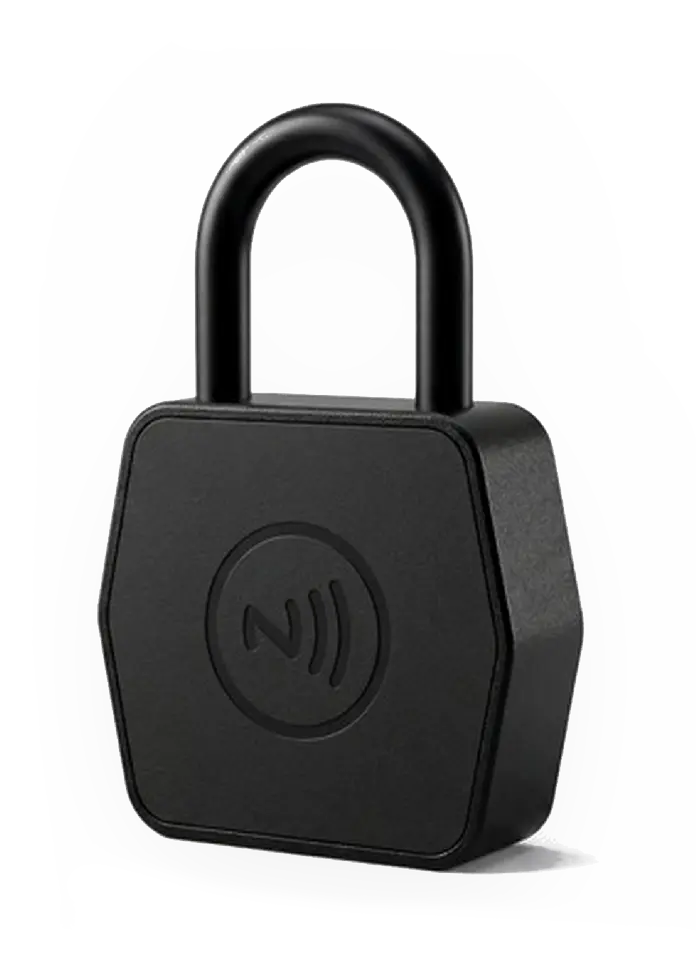
- 0.00 kN
- Shackle pull
- IP6X + IPX7
- Dust & water
- −25 to +70 °C
- Operating range
- 0 mm
- Steel shackle
Figures from third-party testing of the submitted sample.
Product video
Tap to unlock
The phone supplies the power and transmits the encrypted unlock command. No battery is installed in the padlock.
- Product
- EliteLock NFC
- Power supply
- Phone NFC field
- Emergency access
- Key override
How it works
Smart access, simplified
The user's NFC-enabled phone provides power and transmits the encrypted unlock command. No battery is installed in the padlock.
- 01
Authorize
Assign access and validity in the management platform.
- 02
Tap
Open the EliteLock App and hold the phone at the NFC area.
- 03
Unlock
The lock receives power, verifies permission and releases.
- 04
Audit
Unlock status and operation history are returned to the system.
Emergency access remains available through the mechanical key override.
Access follows the contract
The lock answers to the rental record
Access is not a key handed over at a counter. It is a permission attached to the agreement, and it changes when the agreement changes.
Move-in
Access activates
The signed agreement and paid deposit turn on the tenant's permission for that unit.
In term
Access stays open
Authorized phones unlock the unit; every tap is written back as an event on the record.
Overdue
Access suspends
An overdue rule withdraws the permission without sending anyone to fit a manual overlock.
Expiry
Access ends
Permission lapses on the end date. Nothing to collect, nothing to re-cut, nothing to reset.
Product advantages
Built for controlled, distributed access
Zero-maintenance power
Passive NFC design eliminates battery replacement at the lock.
Centralized authorization
Grant, adjust or revoke access by user, lock and validity period.
Traceable operations
Record unlock events and review access history from the platform.
Mechanical resilience
8 mm shackle, zinc-alloy body and mechanical emergency override.
In place
What it looks like on the door
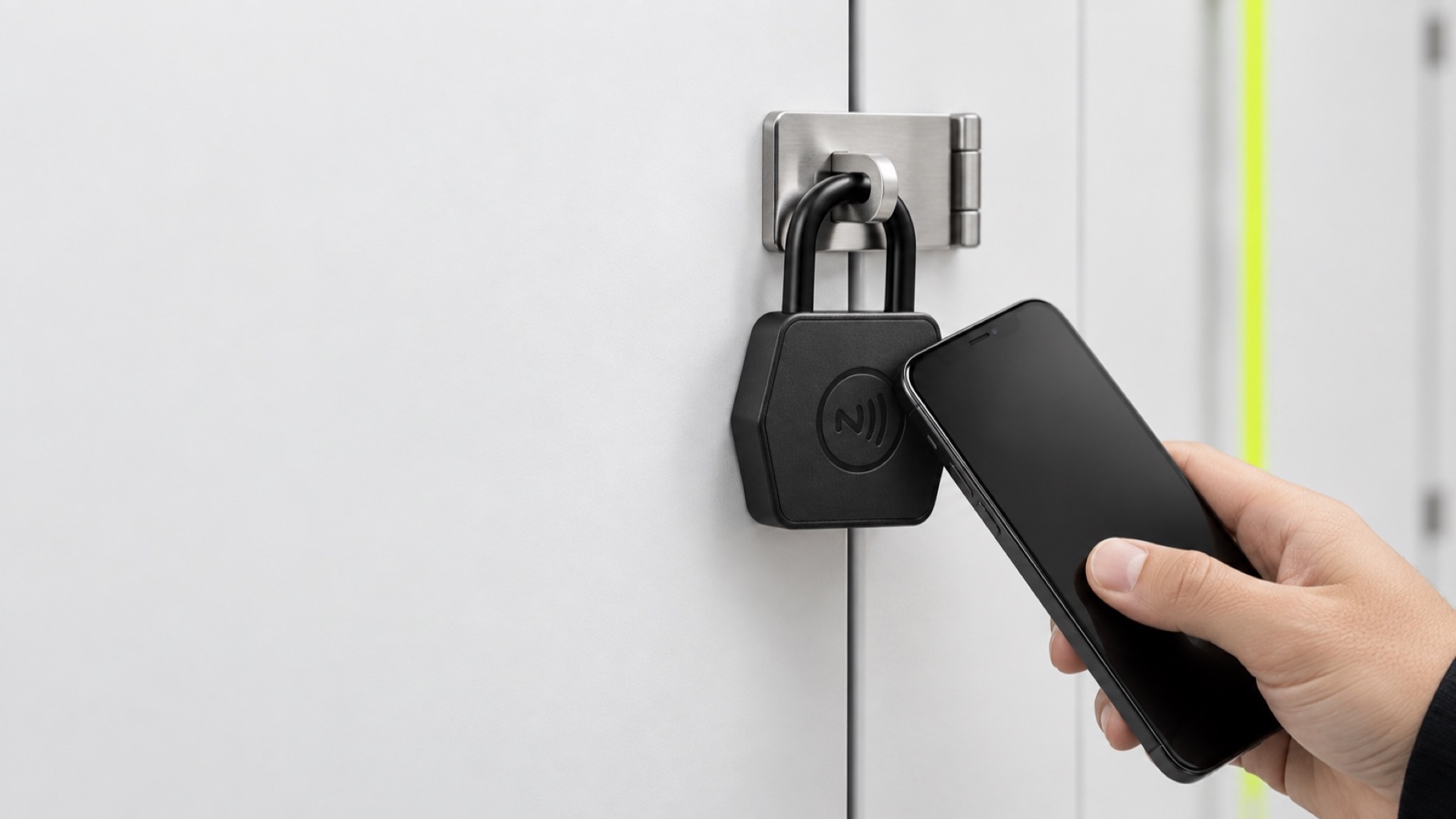
At the unit door
The tenant holds an authorized phone at the NFC area. Nothing to carry, nothing to charge.
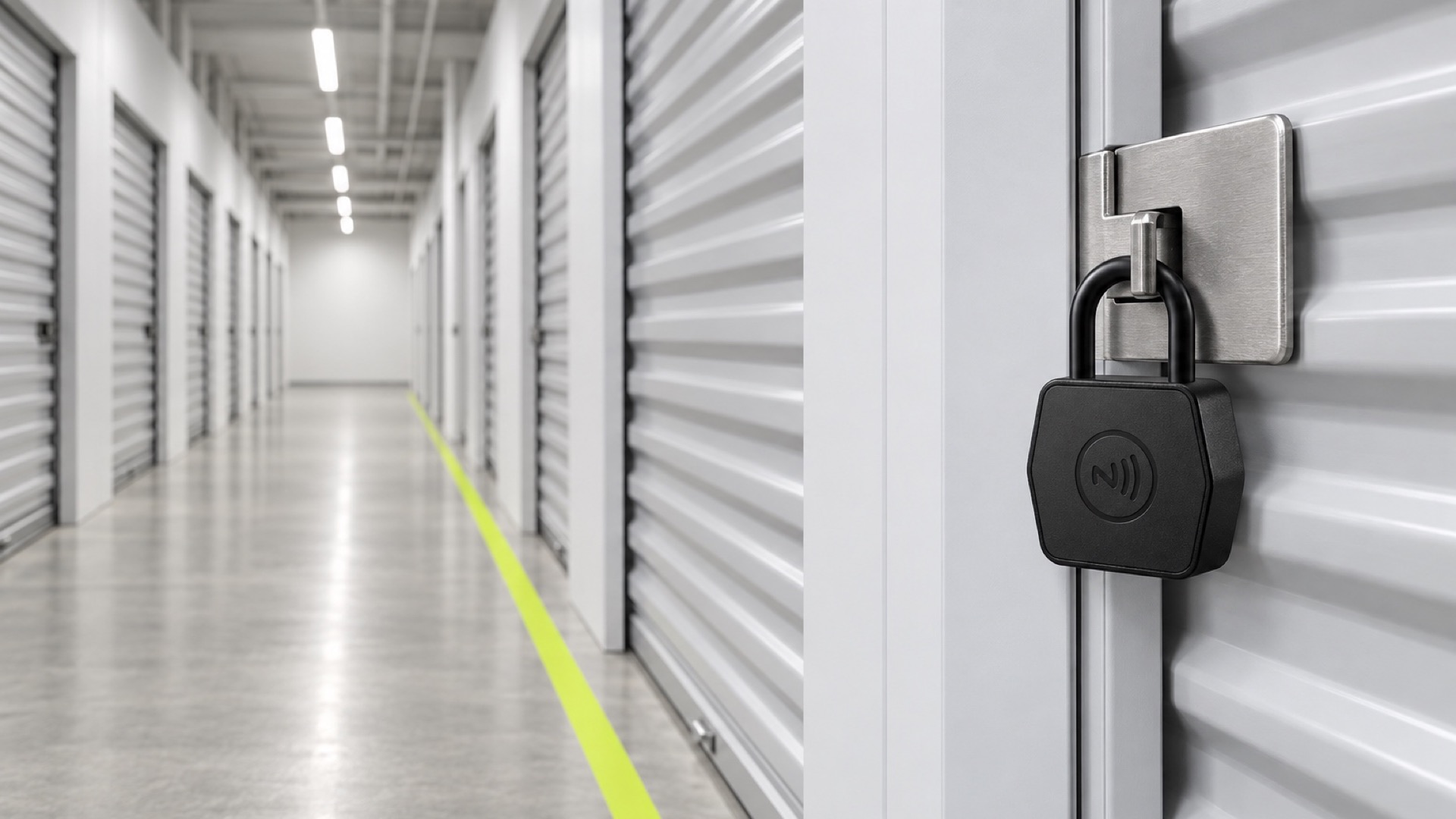
Self-storage
One padlock per unit, one console across the site, no key cabinet at the counter.
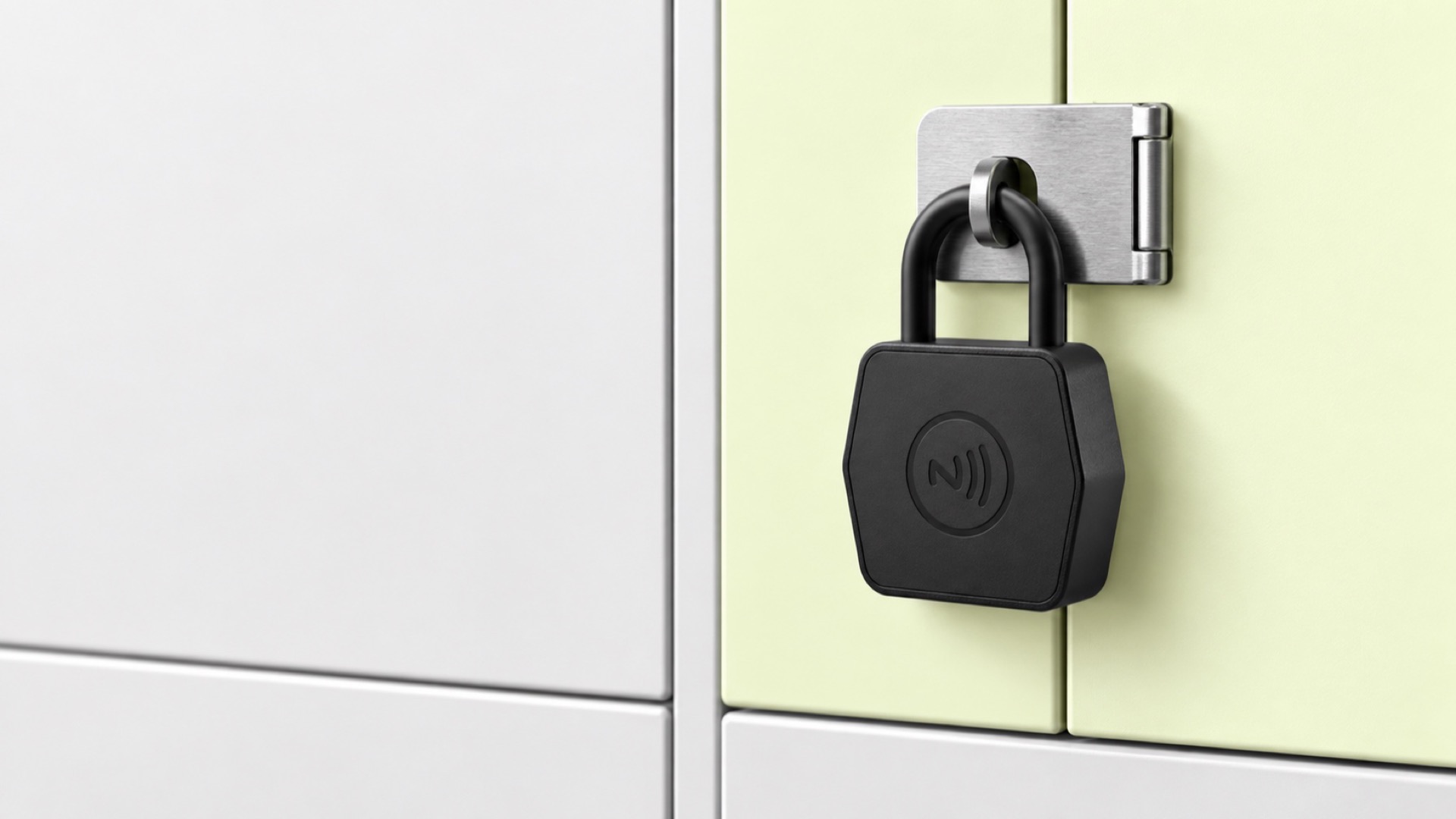
Shared lockers
Cabinets and lockers in offices, gyms and campuses, issued by the hour or by the term.
Deployment
Fits where a padlock already fits
The lock replaces a standard padlock on the door that already has one. There is nothing to wire, nothing to charge and no gateway for normal phone-to-lock operation.
No wiring
The unit door needs no power run, no drilling and no controller in the corridor.
No gateway
Normal unlocking runs phone to lock; the phone carries the record back.
No keys to cut
Permissions are issued and withdrawn in the console instead of at a key cabinet.
No manual overlock
An overdue account is handled by a rule, not by a second lock fitted on site.
Comparison
Against the two locks it usually replaces
| Aspect | Keyed padlock | Battery smart padlock | EliteLock NFC padlock |
|---|---|---|---|
| Power at the lock | None | Battery, replaced on site | Phone NFC field |
| Issuing access | Cut and hand over a key | Pair a device or share a code | Assign in the platform |
| Withdrawing access | Collect or re-key | Unpair or rotate the code | Expire the permission |
| Unlock record | None | On the device | On the rental record |
| Time-bound permission | No | Depends on the model | Yes |
| Emergency access | Spare key | Spare key or override | Mechanical key override |
General comparison of access methods, not a test of any competing product.
Engineering details
Product specifications
- Communication
- NFC
- Power supply
- Phone NFC field · no battery
- Body material
- Zinc alloy / industrial plastic
- Shackle
- 8 mm steel
- Dimensions
- 65.5 × 60 × 27 mm
- Overall height
- 101.5 mm
- Operating temperature
- −25 °C to +70 °C*
- Dust / water protection
- IP6X + IPX7 tested*
- Mechanical backup
- Key override
- System options
- Standalone / API / SDK
Drag to turn
- 65.5 × 60 × 27
- Body · mm
- 101.5
- Overall · mm
- 8
- Shackle · mm
* Based on third-party testing of model US50-45B.
Tested. Documented. Traceable.
Performance verified by third-party testing
Shanghai Global Testing Services Co., Ltd. · Report THZJ25050870206CN · 30 May 2025 · Sample US50-45B
7.90 kN
Shackle pull
Grade 9
1.8 m
Drop test
Functional
72 h
Neutral salt spray
No red rust
IP6X
Dust test
NFC unlock
IPX7
Water test
NFC unlock
NFC unlocking remained functional after 24 hours at −25 °C and after 24 hours at +70 °C. The lock remained closed after the specified hammer impact. Test evidence supports the stated results for the submitted sample only; the full report is available on request. Test bases include QB/T 1918-2011, GB/T 10125-2012, GB/T 4208-2017 and the GB/T 2423 series.
Management & integration
One lock. A complete access ecosystem.
Cloud platform
Authorization & audit
Users, locks, permissions and validity periods in one console.
- Lock and user directory
- Time-bound permissions
- Exportable audit trail
EliteLock App
Tap to unlock
Unlock by NFC, check authorization and return operation status.
- Tap to unlock
- Permission check
- Status feedback
NFC Padlock
Battery-free field device
Passive hardware with mechanical emergency access at the door.
- Powered by the phone NFC field
- 8 mm steel shackle
- Mechanical key override
Integration that fits your operation
Use EliteLock as a standalone solution, connect a PMS through API, or embed NFC lock functions into an existing app via SDK. No gateway is required for normal phone-to-lock operation.
Rollout
Fitted, authorized, opened
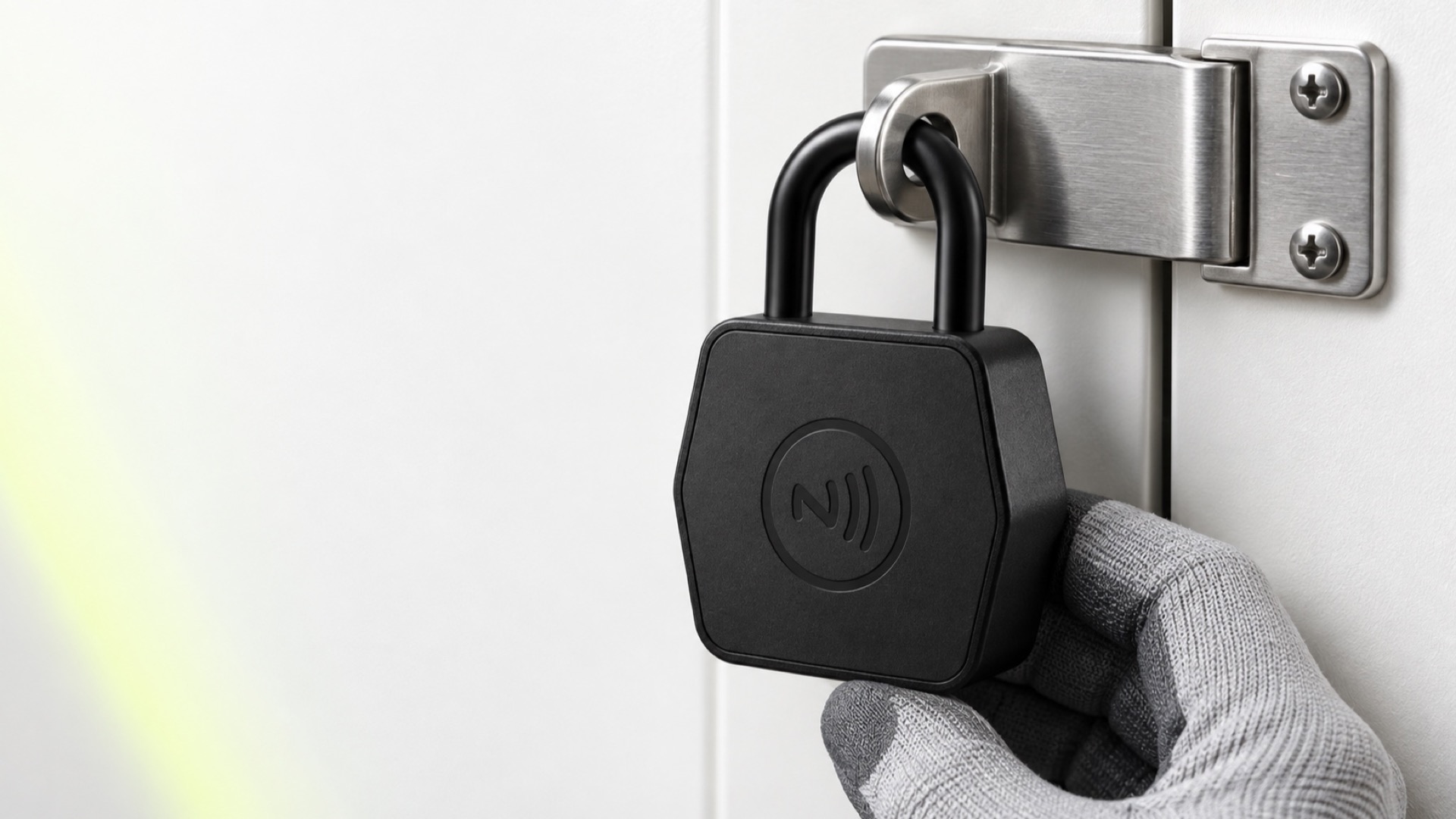
On the hasp
The lock goes onto the hasp the old padlock came off. No wiring, no drilling.
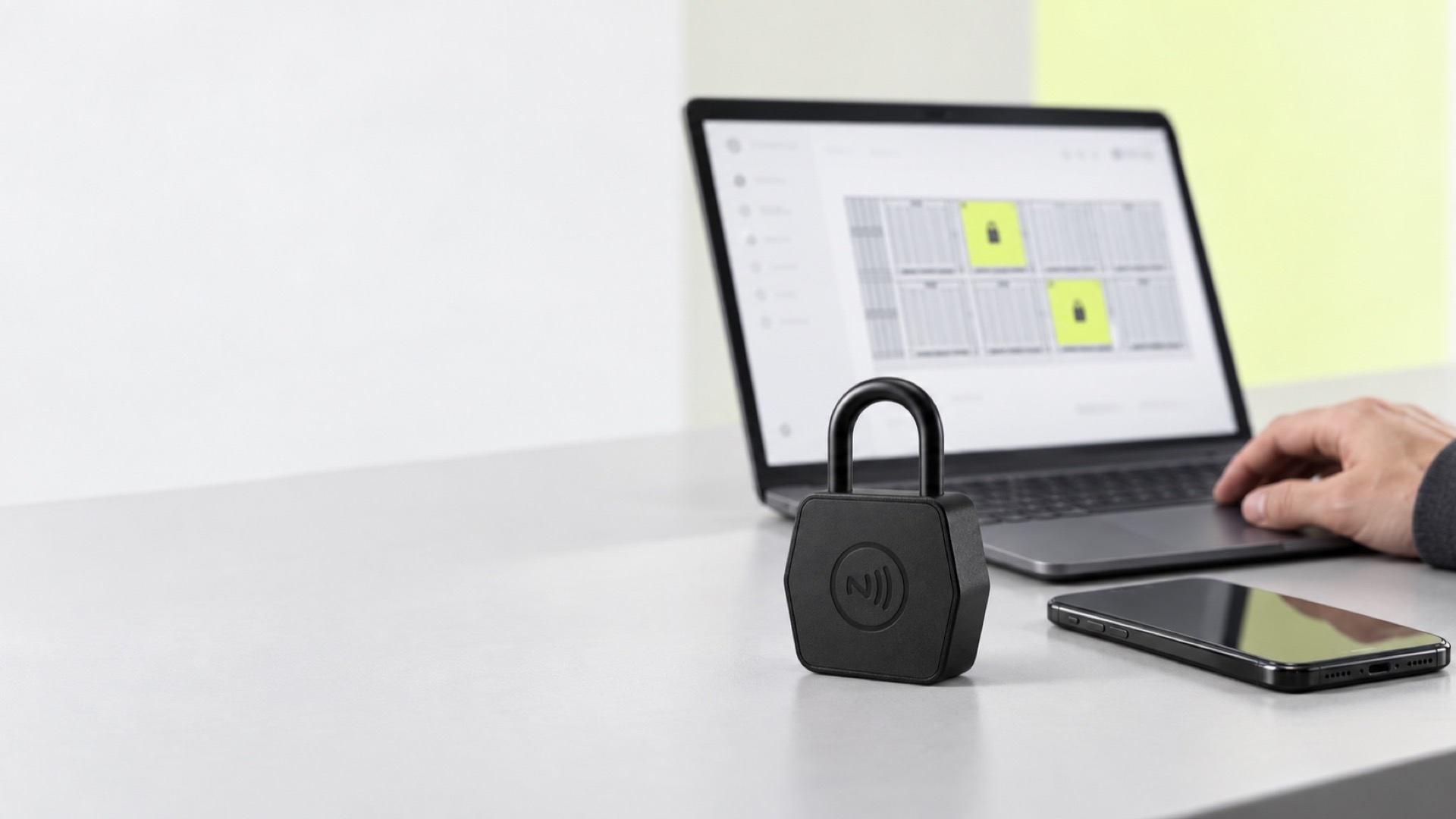
In the console
Assign the unit to a tenant and set the validity period on the agreement.
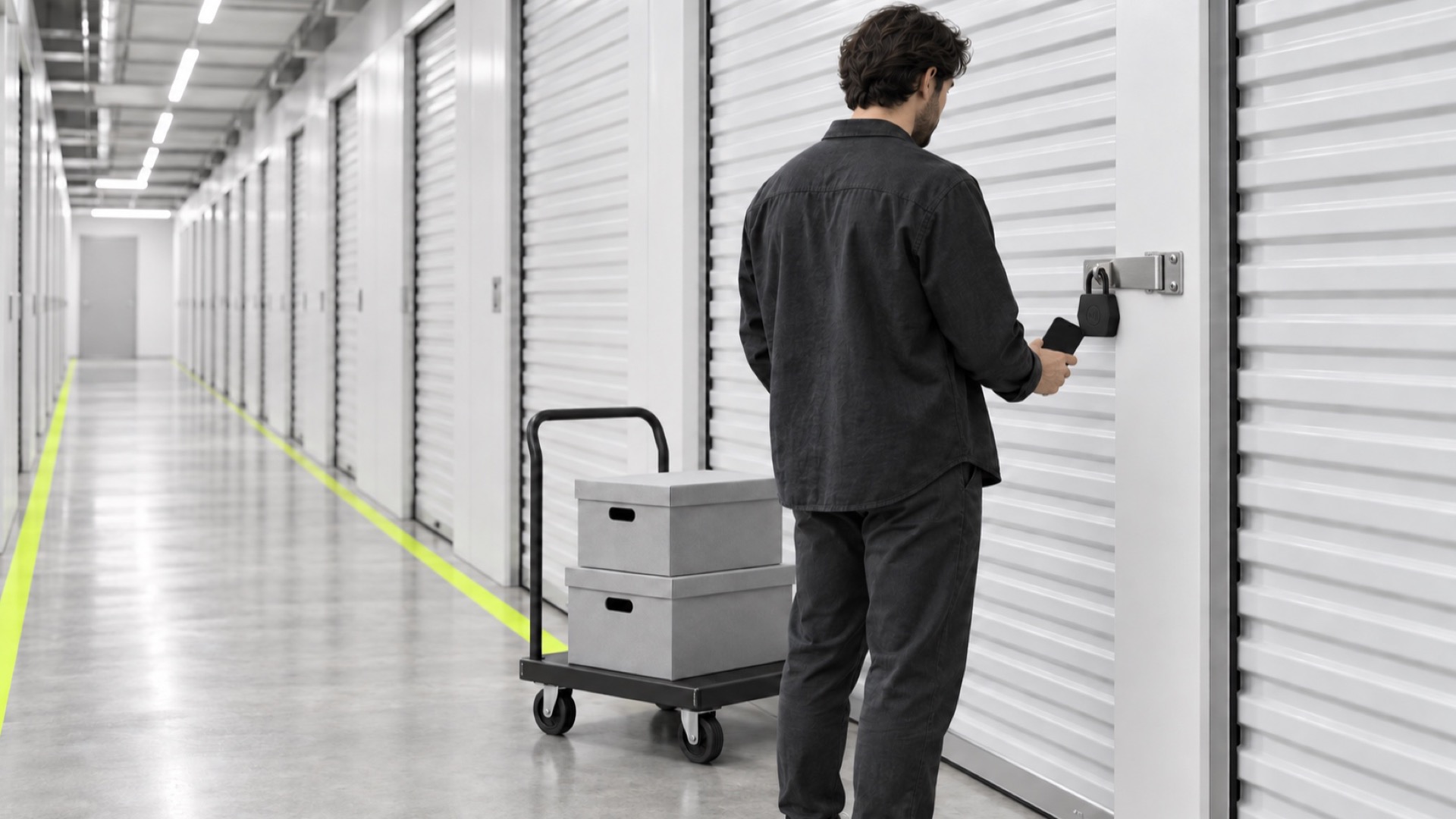
At the unit
An authorized phone opens the unit and the unlock is written to the record.
In operation
With EliteSys, we run storage access management and operational efficiency across multiple sites using smart access and NFC padlock workflows. Unit booking, occupancy tracking and access control are connected in one place.
- 24/7
- Unmanned smart access
- Multi-site
- One console across branches
- Remote
- Move-in without a branch visit
Questions
What operators ask first
The padlock carries no battery of its own, so a phone with no charge cannot open it. The mechanical key override stays available for emergency access, and it is held by the operator rather than the tenant.