Owners & Management Solution

One Clear View of How Every Property Performs

Occupancy, revenue, collections and operating health across the whole portfolio — read from one set of records you can trust.

Portfolio performance behind managed properties

Portfolio board

5 properties · 1,240 spaces

Oct 2026
AllStudentStorage

Occupancy

94.2%

1,168 of 1,240 spaces

Revenue · Oct

HK$8.9M

+4.2% vs Sep

Collected

98.1%

HK$56K overdue

Properties · same yardstick

One Hub Kai TakStudent · 31296%HK$2.9M
Kowloon StorageStorage · 48691%HK$1.6M
Tsuen Wan StudiosServiced · 18488%HK$1.4M
Central OfficesOffice · 12694%HK$1.2M
On targetWatchSelected2 properties need a look

Trusted by owners and management teams

Our customers
One Pace
One Hub Kai Tak
Storefriendly
Bela
SC Storage
Zhongyuan
Shumagan
One Pace
One Hub Kai Tak
Storefriendly
Bela
SC Storage
Zhongyuan
Shumagan

The Management Rhythm

From Targets to Decisions — Fully Connected

Every number stays linked to the contracts, payments and operating records behind it, so reviews run on evidence instead of assembled spreadsheets.

01

Set Targets

Set occupancy, revenue and collection expectations per property, space type and period.

02

Watch Performance

Follow live occupancy, revenue, collections and operating activity against those targets.

03

Compare Properties

Put sites, space types and periods side by side on the same metrics and definitions.

04

Spot Exceptions

Surface vacancy build-up, arrears growth, incident clusters and device issues early.

05

Ask Why

Drill from any figure to the contracts, invoices, payments and events behind it.

06

Decide

Make pricing, promotion, renovation and staffing calls on evidence, not anecdotes.

07

Track Follow-through

Turn decisions into assigned tasks and watch whether they actually get done.

08

Review the Period

Close the month or quarter with reports the board can question line by line.

01

Set Targets

Set occupancy, revenue and collection expectations per property, space type and period.

02

Watch Performance

Follow live occupancy, revenue, collections and operating activity against those targets.

03

Compare Properties

Put sites, space types and periods side by side on the same metrics and definitions.

04

Spot Exceptions

Surface vacancy build-up, arrears growth, incident clusters and device issues early.

05

Ask Why

Drill from any figure to the contracts, invoices, payments and events behind it.

06

Decide

Make pricing, promotion, renovation and staffing calls on evidence, not anecdotes.

07

Track Follow-through

Turn decisions into assigned tasks and watch whether they actually get done.

08

Review the Period

Close the month or quarter with reports the board can question line by line.

01

Set Targets

Set occupancy, revenue and collection expectations per property, space type and period.

02

Watch Performance

Follow live occupancy, revenue, collections and operating activity against those targets.

03

Compare Properties

Put sites, space types and periods side by side on the same metrics and definitions.

04

Spot Exceptions

Surface vacancy build-up, arrears growth, incident clusters and device issues early.

05

Ask Why

Drill from any figure to the contracts, invoices, payments and events behind it.

06

Decide

Make pricing, promotion, renovation and staffing calls on evidence, not anecdotes.

07

Track Follow-through

Turn decisions into assigned tasks and watch whether they actually get done.

08

Review the Period

Close the month or quarter with reports the board can question line by line.

Open One Dashboard, Not Five Spreadsheets

See occupancy, revenue, collections, arrears, open issues and device status for the whole portfolio the moment you log in — no weekly assembly required.

  • Portfolio and per-site dashboards
  • Occupancy and availability
  • Revenue and collection status
  • Arrears and deposits held
  • Open operational issues
  • Smart device and access status

Management reads the portfolio first and drills into a single property, floor, space or contract only when a number asks for it.

Portfolio · OctLive

Occupancy

94.2%

1,168 of 1,240

Revenue

HK$8.9M

October

Collected

98.1%

HK$56K open

Open issues

9

2 overdue

PropertyOccRevenueColl
One Hub Kai Tak96%HK$2.9M98%
Kowloon Storage91%HK$1.6M97%
Tsuen Wan Studios88%HK$1.4M91%
Central Offices94%HK$1.2M96%
Sha Tin Co-Living79%HK$0.8M88%
Kwun Tong Lofts92%HK$0.7M97%
Every number drills to the contracts behind it

Compare Properties on the Same Yardstick

Every site reports occupancy, revenue and collections on the same definitions, so comparisons between properties, space types and periods actually mean something.

  • Site vs site comparison
  • Space-type performance
  • Period-on-period trends
  • Target vs actual tracking
  • Rate and occupancy trade-offs
  • Best and worst performers

When every property counts the same way, the conversation moves from whose spreadsheet is right to what to do about the numbers.

Compare · OctSame yardstick
Rev / spaceOccupancyCollection
One Hub Kai TakBestHK$9.3K
Central OfficesHK$9.5K
Tsuen Wan StudiosHK$7.6K
Kwun Tong LoftsHK$7.4K
Sha Tin Co-LivingReviewHK$6.1K
Kowloon StorageHK$3.3K
Kai Tak rate rise held — occupancy unchanged
Sha Tin trails its own last quarter by 9%

Know Where the Money Actually Comes From

Break revenue down by property, space type and income stream, and see how much of what was billed actually arrived — and how fast.

  • Rent
  • Service Fees
  • Storage
  • Workspace
  • Deposits Held
  • Other Income

Owners see not just how much revenue was booked, but how reliable it is — which streams collect cleanly and which need attention.

Revenue qualityOct cycle
HK$8.9M +4.2%4 income streams
Rent 58%Storage 22%Workspace 12%Services 8%

By stream

billed → collected
RentHK$5.2M · 98%
StorageHK$2.0M · 97%
WorkspaceHK$1.0M · 99%
Service feesHK$0.7M · 91%

Deposits held

HK$4.4M

Arrears 30d+

HK$18K

Watch Occupancy Before It Becomes a Problem

Follow live occupancy alongside upcoming expiries, renewal status and the enquiry pipeline, so vacancy risk shows up months early instead of after move-out.

  • Live occupancy by property
  • Upcoming expiries and renewals
  • Vacancy aging
  • Enquiry and booking pipeline
  • Move-in and move-out schedule
  • Seasonal pattern visibility

The renewal pipeline and the vacancy list sit next to the occupancy number, so the question is never just how full — it is how full next quarter.

Occupancy · pipelineNext 90 days
94.2%today72 vacant · 14 aging 30d+

Contracts expiring

renewed so far

30 days

18

11 renewed

60 days

26

9 renewed

90 days

34

6 renewed

Renewal status

Vela Group · 6 bedsRenewed
Orbit Media · 4 desksNegotiating
A. Chan · Studio A-103At risk
Enquiries this month148
Viewings booked92
Bookings confirmed38
Vacancy risk shows up months early, not at move-out

See Whether Operations Hold the Standard

Open work orders, overdue tasks, incidents, inspection completion and response times roll up by site, so service quality is measured rather than assumed.

  • Open and overdue work orders
  • Incident and complaint records
  • Inspection completion
  • Response and resolution times
  • Recurring problem detection
  • Site-by-site service levels

When operating health is on the same board as revenue, a cheap-looking site with rising incidents stops looking cheap.

Operating health5 sites

Open jobs

9

Overdue

2

Avg response

3.2h

Inspections

96%

SiteJobsIncidentsInspect
One Hub Kai Tak
Kowloon Storage
Tsuen Wan Studios
Central Offices
Sha Tin Co-Living
Tsuen Wan: 3rd water-leak incident this quarter
Recurring problems surface as patterns, not anecdotes

Delegate the Work Without Losing Control

Teams run daily operations with role-scoped access, while discounts, refunds, write-offs and rate changes route through approvals and land in the audit trail.

  • Role-scoped visibility by site
  • Approvals on sensitive actions
  • Rate and discount controls
  • Refund and write-off approvals
  • Full audit trail
  • Change history on every record

Owners set the rules once, and the platform enforces them the same way at every property — including the ones they rarely visit.

Approvals & audit2 pending

Waiting for you

Discount 12% · Studio C-305Requested by leasing · Tsuen Wan Approve
Refund HK$350 · cleaning feeRequested by front desk · Kai Tak Approve
Write-off HK$1,450 · S-27Requested by finance · KowloonDone

House rules

set once · enforced everywhere
Discounts above 10% need approval
All write-offs need approval
Rate changes: management only
Write-off approved · by director09:12
Rate card updated · by managementYesterday
Every approval and override — user and timestamp

Take Decision-Ready Numbers into the Boardroom

Monthly and quarterly reporting comes from the same records the teams work in — portfolio views, trends, comparisons and exports ready for the board pack.

  • Monthly and quarterly reports
  • Portfolio and per-site views
  • Trend and comparison charts
  • CSV and Excel export
  • Accounting and BI connectivity
  • Every figure traceable to source
  • Board pack preparation

When a director questions a number, the answer is a drill-down, not a week of reconciliation.

October reviewReady

Portfolio review · Oct 2026

5 properties · 1,240 spaces · 3 entities

Compiledfrom live records · Fri 17:00

Inside

Occupancy & pipeline94.2% · 78 expiring
Revenue & collectionsHK$8.9M · 98.1%
Arrears & depositsHK$56K · HK$4.4M
Operating health9 open · 2 sites flagged
Decisions pending2 approvals

When a director asks why

Board figureSite reportInvoice & contract
Export CSV, Excel · share with the board

AI for Portfolio Answers and Decisions.

AI Portfolio Q&A

Ask Your Portfolio a Question

Ask in plain language — which property earns most per space, where arrears grew, what is expiring next quarter — and get the number with its trail.

AI portfolio Q&A

“Which property earned the most per space last month?”

Answer

One Hub Kai Tak

HK$9.3K per space · rate rise held, occupancy unchanged

Drills to the invoices behind it
Weekly briefMon 08:00

This week in one line

A steady week — one property needs your eyes, everything else ran to plan.

Occupancy94.2%RevenueHK$2.1MArrearsHK$56K
Kai Tak absorbed the rate rise — renewals held at 91%
Sha Tin occupancy slipped 3 pts · 2nd week running
Collections stayed above target at every site
Every line links to the records behind it
AI Performance Brief

A Weekly Brief Written from the Numbers

Open Monday to a short brief on occupancy, revenue, collections and exceptions across the portfolio — every line linked to its records.

AI performance brief
AI Exception Alerts

Hear About Problems While They Are Small

Get flagged when occupancy dips, arrears build, incidents cluster or a site drifts from its usual pattern — before the monthly report.

AI exception alerts
Exceptions · worst first4 open
Sha Tin occupancy −3 ptsHigh

2nd week running · 6 move-outs, 2 move-ins

Service-fee arrears buildingMed

Tsuen Wan · 9 accounts · HK$21K

Water-leak incidents clusteringMed

Tsuen Wan · 3rd this quarter · same riser

Renewal replies slowingLow

Kai Tak · 60-day bucket · 6 unanswered

AI Renewal Radar

See Renewal Risk Before Expiry

Rank expiring contracts by risk signals — unanswered notices, service complaints, payment friction — so outreach starts early.

AI renewal radar
Renewal radar78 expiring
Next 90 days · ranked by risksignals, not guesses
A. Chan · Studio A-10338dHigh

2 unanswered notices · payment friction

Orbit Media · 4 desks55dMed

Asked about shorter term

M. Yip · Twin B-20162dMed

Service complaint open 12 days

Vela Group · 6 beds80dLow

Renewed early last year

Outreach drafted for the 3 highest-risk contracts
AI Meeting Pack

Walk into Reviews with the Pack Ready

Compile the period's occupancy, revenue, arrears, operations and open decisions into a review pack before the meeting starts.

AI meeting pack
Meeting packFri 17:00

October portfolio review

5 properties · 3 entities · compiled from live records

Occupancy & pipelineready
Revenue & collectionsready
Arrears & depositsready
Operating healthready
Open decisions · 2pulling in
Any figure in the pack traces to its source

Owners Running Different Space Businesses on One Platform

Across student housing, self storage, unmanned facilities and flexible workspace, owners and management read performance from the same EliteSys records their teams operate on.

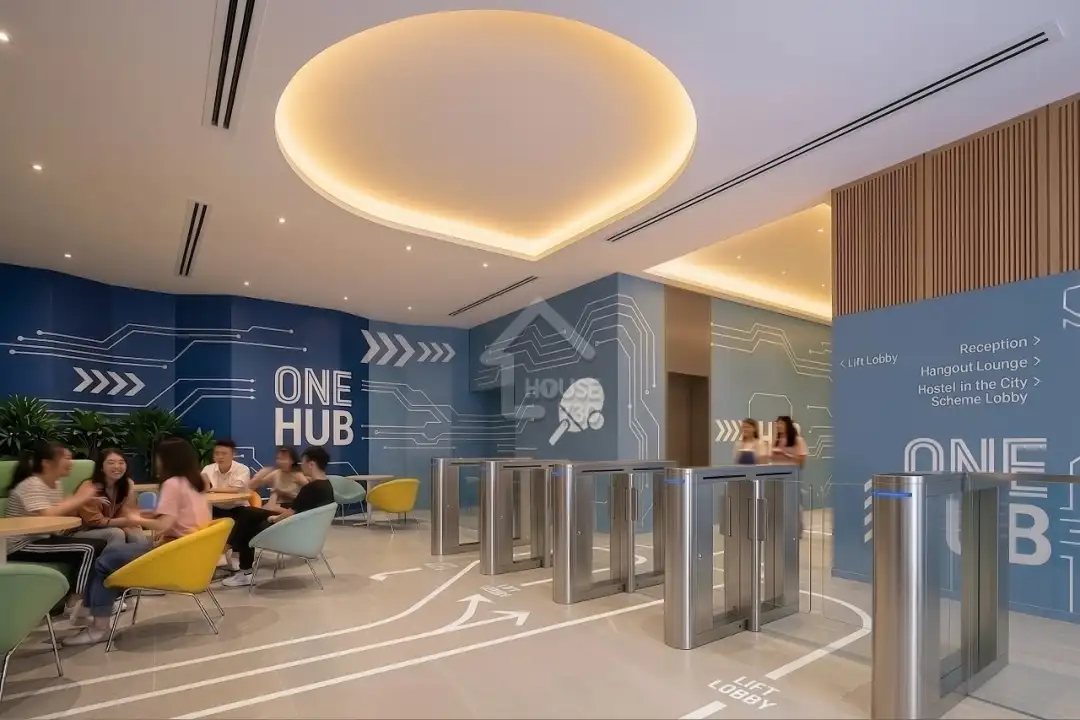
One Hub Kai Tak gives management one view of student housing occupancy, revenue and operations

Read Case Study

1

connected student housing portfolio

One Hub Kai Tak gives management one view of student housing occupancy, revenue and operations case study

Storefriendly management reviews multi-site storage performance without assembling spreadsheets

Read Case Study

Multi

site self storage portfolio

Storefriendly management reviews multi-site storage performance without assembling spreadsheets case study

King Kong Storage owners watch 24-hour unmanned operations from one connected record

Read Case Study

24/7

unmanned storage operations

King Kong Storage owners watch 24-hour unmanned operations from one connected record case study

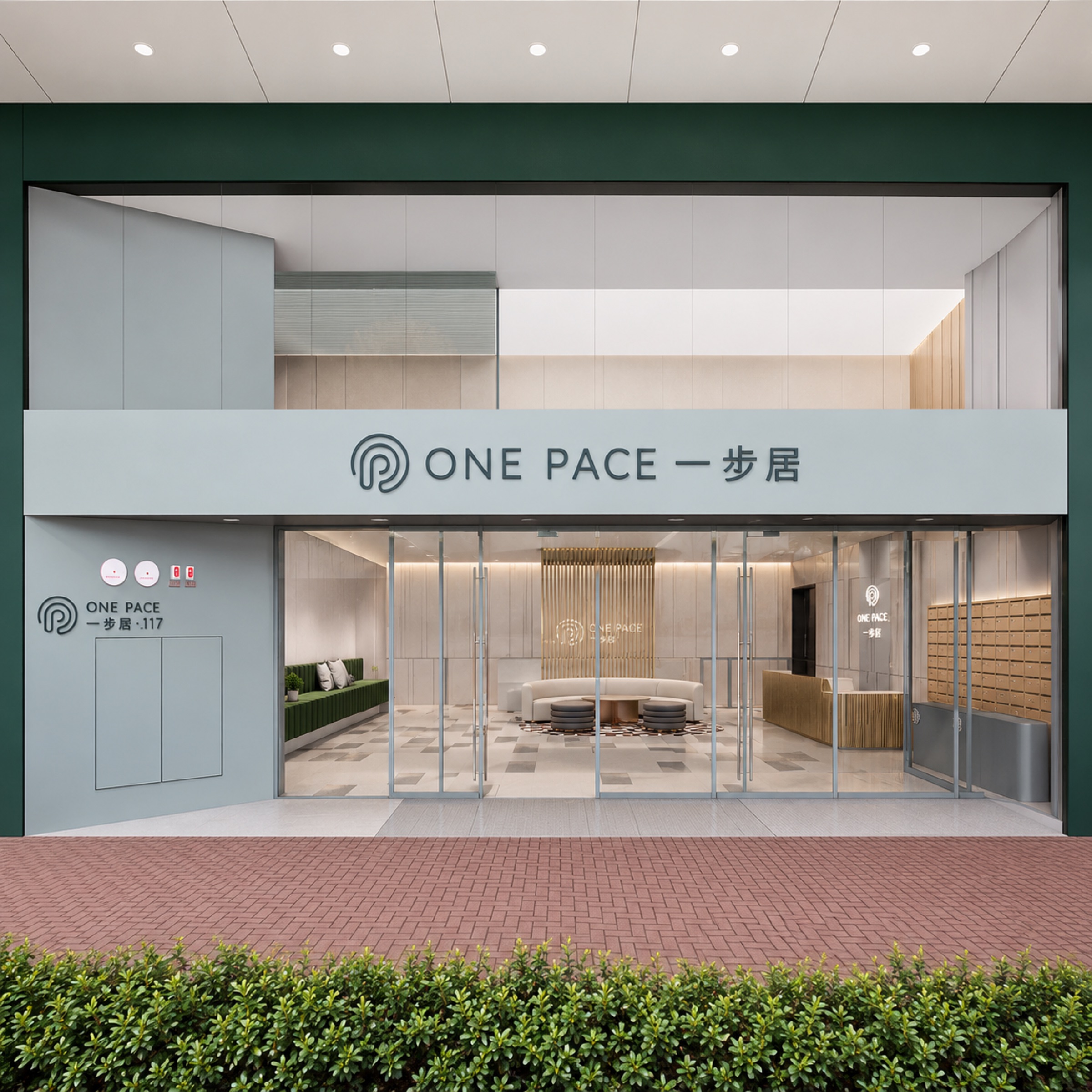
117 One Pace tracks the full tenant lifecycle and asset performance in one PMS

Read Case Study

117

units managed end-to-end

117 One Pace tracks the full tenant lifecycle and asset performance in one PMS case study

Connected platform

Connect the Reporting and Finance Tools Management Already Uses

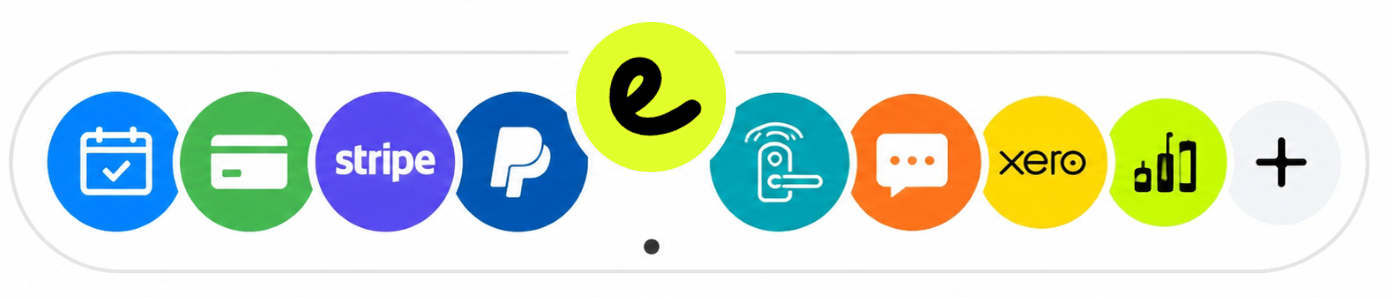
EliteSys can connect supported accounting systems, BI and reporting tools, payment services and existing internal systems through available APIs, webhooks, scheduled exports or project-specific connectors.

Discuss an Integration
EliteSys connects payments, smart devices and reporting in one platform

Owner and management questions answered

Owners, directors, general managers and asset managers of student housing, apartments, serviced apartments, self storage, co-living, co-working and other managed space businesses — from a single property to a multi-site, multi-entity portfolio.

Ready to Read Your Whole Portfolio from One Place?

Walk through your portfolio structure, the numbers you review, the controls you want enforced and the reports your board expects with the EliteSys team.

  1. 1See EliteSys in action.
  2. 2Get set up with data, devices and training.
  3. 3Go live with ongoing support.
Book a Demo