IT & Developer Solution

One Platform Your Team Can Integrate and Trust

APIs, webhooks, smart device integration, permissions and data exports on one platform — with the audit and security controls IT expects.

The platform console behind a managed property portfolio

System console

All sites · 314 devices

Today
AllDevicesEvents

Devices online

312

of 314 · 2 offline

Events today

4.8K

access · payments · ops

Webhooks

1,462

delivered · 0 failed

Services

PMS CoreBookings · contractsOK
Payment GatewayFPS · card · linksOK
Device GatewayLocks · access · metersCheck
Webhook Delivery12 endpointsOK

Event stream

payment.capturedINV-2103 · K. Lam
lock.unlockedKai Tak · main gate
contract.signedCT-2026-0198 · Vela
device.offlineLock C-305 · battery
OperationalNeeds attentionOffline312 of 314 devices online

Trusted by technical teams at space operators

Our customers
One Pace
One Hub Kai Tak
Storefriendly
Bela
SC Storage
Zhongyuan
Shumagan
One Pace
One Hub Kai Tak
Storefriendly
Bela
SC Storage
Zhongyuan
Shumagan

The Implementation Path

From Technical Review to Go-Live — Fully Connected

Every step works against the same data model, so what is designed, migrated, integrated and tested is the same system your teams run after go-live.

01

Technical Review

Review the current systems, data sources, devices, network conditions and integration requirements.

02

Solution Design

Map sites, spaces, roles, workflows, integrations and device coverage onto the platform data model.

03

Environment Setup

Configure the operating structure, user roles, permissions, billing rules and notification channels.

04

Data Migration

Import customers, contracts, spaces, payments and deposits from usable source data, then validate.

05

System Integration

Connect payment services, accounting exports and existing systems through APIs, webhooks or connectors.

06

Device Onboarding

Connect supported locks, access control, meters and sensors, and verify coverage site by site.

07

Testing & Training

Run acceptance testing with real workflows and train admins and operating teams on their roles.

08

Go-Live & Support

Cut over with monitoring in place, a support channel open and a plan for iteration after launch.

01

Technical Review

Review the current systems, data sources, devices, network conditions and integration requirements.

02

Solution Design

Map sites, spaces, roles, workflows, integrations and device coverage onto the platform data model.

03

Environment Setup

Configure the operating structure, user roles, permissions, billing rules and notification channels.

04

Data Migration

Import customers, contracts, spaces, payments and deposits from usable source data, then validate.

05

System Integration

Connect payment services, accounting exports and existing systems through APIs, webhooks or connectors.

06

Device Onboarding

Connect supported locks, access control, meters and sensors, and verify coverage site by site.

07

Testing & Training

Run acceptance testing with real workflows and train admins and operating teams on their roles.

08

Go-Live & Support

Cut over with monitoring in place, a support channel open and a plan for iteration after launch.

01

Technical Review

Review the current systems, data sources, devices, network conditions and integration requirements.

02

Solution Design

Map sites, spaces, roles, workflows, integrations and device coverage onto the platform data model.

03

Environment Setup

Configure the operating structure, user roles, permissions, billing rules and notification channels.

04

Data Migration

Import customers, contracts, spaces, payments and deposits from usable source data, then validate.

05

System Integration

Connect payment services, accounting exports and existing systems through APIs, webhooks or connectors.

06

Device Onboarding

Connect supported locks, access control, meters and sensors, and verify coverage site by site.

07

Testing & Training

Run acceptance testing with real workflows and train admins and operating teams on their roles.

08

Go-Live & Support

Cut over with monitoring in place, a support channel open and a plan for iteration after launch.
Run One Platform Instead of Five Systems

Booking, contracts, payments, operations and smart access run on one cloud platform with one data model — web, mobile and Mini Program clients included.

  • Cloud-hosted, vendor-maintained
  • Web, mobile and Mini Program clients
  • One data model across all sites
  • Multi-site, multi-entity structure
  • Role-based access built in
  • Fewer vendors to govern

IT keeps one system to secure, integrate and support instead of separate booking, payment, access and reporting tools stitched together.

Platform mapOne data model

Clients

Web App
Mobile H5
Mini Program
Customer Portal
EliteSys PlatformBookings · contracts · payments · operations · access
Customers12.4KContracts742Spaces1,240Devices314

Connected

APIs · webhooks · exports
Payment servicesFPS · card · links
AccountingScheduled exports
BI / ReportsCSV · Excel · API
Smart devicesLocks · access · meters
One vendor, one data model — fewer moving parts

Build on the Data, Not Around It

Customer, contract, space, payment and device records can be reached through APIs, webhook events and scheduled exports agreed during the project.

  • REST APIs on project scope
  • Webhook event notifications
  • Scheduled CSV and Excel exports
  • Accounting and BI connectivity
  • Project-specific connectors
  • Documentation during implementation

The integration surface is confirmed with your team during solution design, so what you build against is what the platform actually runs.

API & webhooksProject scope
GET/api/contracts/CT-2026-0142200

{

"id": “CT-2026-0142”,

"customer": “K. Lam”,

"space": “A-102 · Kai Tak”,

"rent": 9800,

"status": “active”,

"access_valid_to": “2027-09-30”,

}

Webhook deliveries

0 failed today
payment.capturederp.internal/hooks09:41200
contract.signederp.internal/hooks09:38200
device.offlineops.internal/alerts09:22200
booking.createdcrm.internal/sync09:04200
Nightly CSV to accounting · 02:00 · verified

Connect Locks, Access and Meters Without Custom Firmware

EliteSys connects supported smart locks, building access, facial and QR readers, meters and sensors through their protocols — compatibility reviewed per model.

  • Smart Locks
  • NFC Padlock
  • Access Control
  • Facial / QR
  • Smart Meter
  • Sensors

Compatibility is reviewed against the specific model, protocol and available documentation, and EliteSys can supply proven devices where gaps exist.

Device gateway312 online

Lock A-101

Kai Tak

Lock A-102

Kai Tak

Lock C-305

Battery low · task created

Face · Lobby

Kai Tak

QR · Lift

Central

Meter · 3/F

Tsuen Wan

Sensor · B2

Sha Tin

Lock C-305

Tsuen Wan

Padlock S-31

Tuen Mun

Gate · Main

Kowloon

Meter · Roof

Central

Lock B-201

Kai Tak

Connects over

reviewed per model
BLENFCWi-Fi4GWebhook
2 devices need attention — both have open tasks
EliteSys supplies proven devices where compatibility gaps exist

Give Every Team Exactly the Access It Needs

Roles scope what each user can see and do by function, site and entity, and sensitive actions carry approval steps and a full audit trail.

  • Role-based permissions
  • Site and entity scoping
  • Approval steps on sensitive actions
  • Full audit trail with user and time
  • Account and session controls
  • Least-privilege defaults

When finance, operations and front-desk roles are scoped in the platform itself, access reviews stop being a spreadsheet exercise.

Roles & auditLeast privilege
RoleBookingsPaymentsContractsDevices
AdminAll sites
FinanceAll sites
OperationsSite-scoped
Front deskSite-scoped
FullViewNoneApproval steps on sensitive actions

Audit trail

full history kept
Ops role scoped to Kai Tak · by A. Wong09:12
Refund approved · HK$350 · by controller08:47
API key rotated · scheduled02:00
Every change carries user and timestamp

Move In Without Losing Your History

Customers, contracts, spaces, payments and deposits can be migrated from usable source data, validated against the source and cut over on a plan.

  • Customer and contract import
  • Payment and deposit history
  • Space and device records
  • Validation against source totals
  • Flagged rows fixed before import
  • Planned cut-over with checkpoints

The migration scope is confirmed after reviewing the existing data, and nothing goes live until the imported records reconcile with the source.

Data migrationValidating
ExportMapValidateImport
Validation20,587 of 20,599

Records

checked against source
Customers1,240
Contracts742
Payments18,304
Deposits301
Flagged rows12
Cut-over planned with checkpoints — nothing lost

Run Access-Critical Operations on Defensible Infrastructure

Data is encrypted in transit, hosting and backups are managed in the cloud, and access-critical device behaviour has defined fallbacks when networks drop.

  • Encryption in transit
  • Managed cloud hosting and backups
  • Monitoring and alerting
  • Device offline fallback behaviour
  • Defined incident response
  • Operator owns its data

Security and availability arrangements are documented during the project, so IT can review them against internal requirements before go-live.

Security & reliabilityDocumented
Encrypted in transitTLS on every client
Managed backupsDaily · verified
Role-based accessSite and entity scoped
Monitoring & alertsServices and devices
Session controlsTimeout · revocation
Incident responseDocumented process

If the network drops

per device model
Network dropsLocks keep working locallyEvents sync on reconnect
Last backupToday 02:00 · verified
Security summaryShared for IT review
Data ownershipStays with the operator

See Devices, Events and Activity in One Console

Give IT one console for device status, access events, user activity, integration traffic and export history across every site.

  • Device online and battery status
  • Access and operation event logs
  • User and permission overview
  • API and webhook activity
  • Export and report history
  • Configurable alert rules
  • Site-by-site drill-down

When something needs investigating, the event, the device, the user and the record it touched are all in one place instead of four systems.

IT consoleLive
4.8Kevents today +6%

Traffic · 7 days

API + webhooks
MonTueWedThuFriSatSun

Alert rules

1 fired today
Device offline > 10 min → notify ITarmed
Webhook failure → retry, then alertarmed
Battery < 20% → task createdfired
Accounting CSVOct 9 · 02:00
BI extractOct 9 · 02:10

AI for Integration, Monitoring and Support.

AI Docs Assistant

Answer Setup and API Questions Instantly

Answer configured questions about fields, events, device setup and platform behaviour from the project documentation, with the source shown.

AI docs assistant

“How do we get notified when a contract is signed?”

Eventcontract.signed
FiresOn e-sign completion
CarriesContract, customer, space
DeliveryRetried 3× with backoff
Answered from: Webhook guide · API reference · Field map
Device watch314 devices

Lock C-305 · Tsuen Wan

18% battery

Battery level · trailing 8 weeks

Fleet average · 64%S-14 · 18%
Draining 3× faster than the fleet
Firmware current · signal normal
AI Device Watch

Spot Device Issues Before Users Do

Watch battery levels, offline patterns and unlock failures across sites, flag the devices that need attention and suggest the likely cause.

AI device watch
AI Log Query

Ask the Event Log a Question

Turn a plain question into the right event filter — who, which device, what time window — and return the matching records.

AI log query
Log queryEvent log
Who opened unit S-12 last night?

Parsed as

SiteKowloon
DeviceUnit S-12
Window22:00–06:00

2 events found

23:14S-12 unlocked · Chan & Co. · app key
05:52S-12 unlocked · Chan & Co. · app key
Both events link to the contract and access record
AI Data Checks

Catch Bad Data Before It Imports

Scan migration files for duplicates, broken references and format issues, and flag every row that needs fixing before the import runs.

AI data checks
Data checksPre-import

customers.csv

1,252 rows

Scanned against the platform data model

12 duplicate phone numbersMerged into one customer
3 date formats normalizedDD/MM and MM/DD mixed
1 contract missing a space refSent back for mapping
1,236 rows cleanReady for import
Nothing imports until every flag is resolved
AI Ops Digest

A Regular Read on System Health

Summarize device status, alerts raised and resolved, integration traffic and unusual activity across the portfolio each week.

AI ops digest
Ops digestWeek 32

Events

31K

Alerts

6 · resolved

Devices

312 / 314

Webhooks

0 failed

What moved

Traffic +6% — driven by online payments
2 door locks on battery alert · tasks open
Device gateway healthy after Tue firmware push
Every line links to its events and devices

Connected Platforms Behind Different Space Businesses

Operators across student housing, self storage, unmanned facilities and flexible workspace run their customer journey, payments, devices and daily operations on one EliteSys platform their technical teams can integrate with.

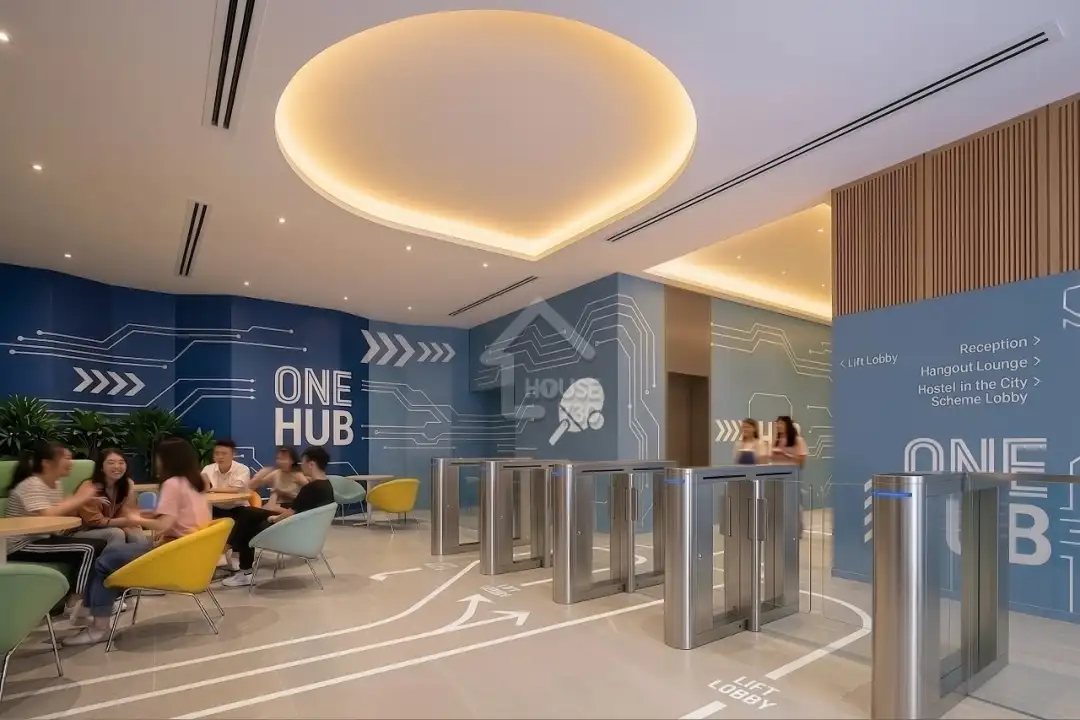
One Hub Kai Tak runs booking, contracts, payments and building access on one integrated platform

Read Case Study

1

connected student housing platform

One Hub Kai Tak runs booking, contracts, payments and building access on one integrated platform case study

Storefriendly centralizes multi-site storage systems, devices and rental records

Read Case Study

Multi

site self storage portfolio

Storefriendly centralizes multi-site storage systems, devices and rental records case study

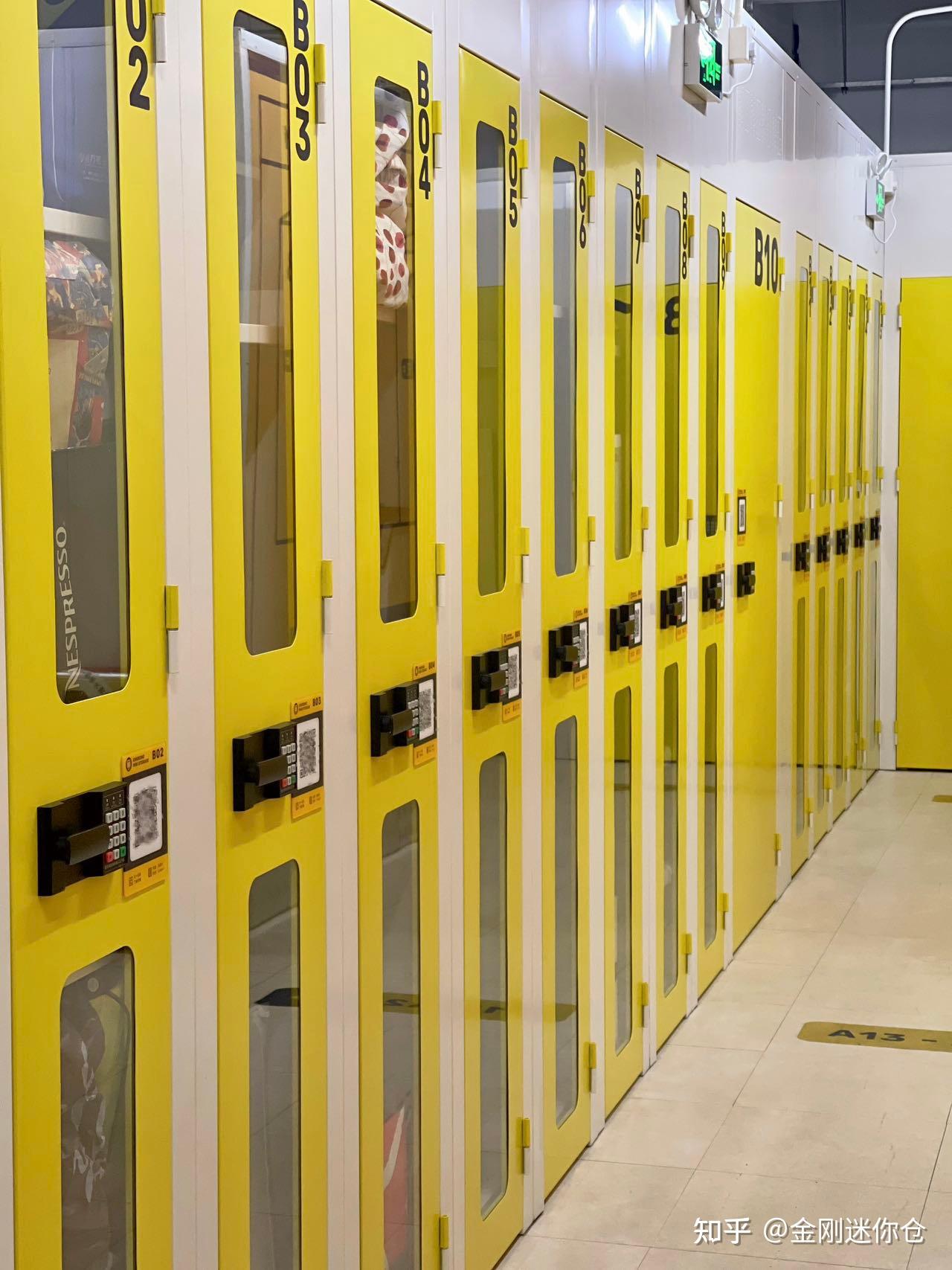
King Kong Storage runs 24-hour unmanned operations on digital onboarding, payment and smart access

Read Case Study

24/7

unmanned storage operations

King Kong Storage runs 24-hour unmanned operations on digital onboarding, payment and smart access case study

117 One Pace connects the full tenant lifecycle and smart access in one PMS

Read Case Study

117

units managed end-to-end

117 One Pace connects the full tenant lifecycle and smart access in one PMS case study

Connected platform

Connect the Systems Your Stack Already Runs

EliteSys can connect supported payment services, accounting systems, BI tools, smart devices and existing internal systems through available APIs, webhooks, scheduled exports, device protocols or project-specific connectors.

Discuss an Integration
EliteSys connects payments, smart devices and reporting in one platform

Technical questions answered

EliteSys runs as a cloud-hosted platform maintained by the EliteSys team, including updates, backups and monitoring. The hosting arrangement and data location for a specific project are documented and confirmed during solution design.

Ready to Put Space Operations on One Platform?

Walk through your architecture, integration requirements, device coverage, migration scope and security expectations with the EliteSys technical team.

  1. 1See EliteSys in action.
  2. 2Get set up with data, devices and training.
  3. 3Go live with ongoing support.
Book a Demo